Winwheel.js
原文:Winwheel.js Tutorials & Documentation
Winwheel.js是一個俄羅斯輪盤,將下來的章節會逐一介紹它在V2.0的實作過程。
建立外框
你可以由此下載範例檔,並建立以下的HTML
HTML
<html>
    <head>
        <title>My Winning Wheel</title>
        <script src='Winwheel.js'></script>
    </head>
    <body>
        <canvas id='canvas' width='880' height='300'>
            Canvas not supported, use another browser.
        </canvas>
        <script>
            var theWheel = new Winwheel();
        </script>
    </body>
</html>
輸出的圖形
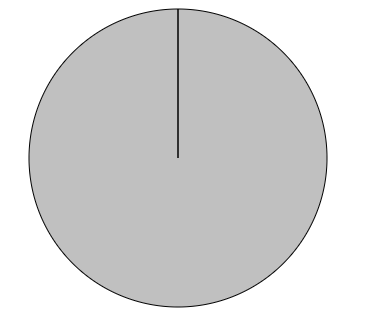
建立外框的JS邏輯
- 建立建構式
- 設定參數,若無則用預設的
- 取得canvasID所對應的元素(預設為canvas)
- 由Attribute取得width(880),建立centerX(880/2)
- 由Attribute取得height(300),建立centerY(300/2)
- 建立外層的圓
- 外框線的寬度(預設為1)
- 若寬 < 高 : ( 寬 / 2) - 外框線的寬度
- 若寬 >= 高 : ( 高 / 2) - 外框線的寬度
- 建立Canvas
- canvas.getContext("2d")
- 建立segments
- 轉盤格數
- 顏色
- 文字
- 建立動畫
- 指定繪畫模式(image,undefined)
- 建立指針
- 開始繪畫
建立12格的紅色輪盤
HTML
<canvas id='myCanvas' width='880' height='300'>
    Canvas not supported, use another browser.
</canvas>
<script>
    var theWheel = new Winwheel({
        'canvasId'    : 'myCanvas',
        'numSegments' : 12,
        'fillStyle'   : '#e7706f',
        'lineWidth'   : 3
    });
</script>
輸出的圖形

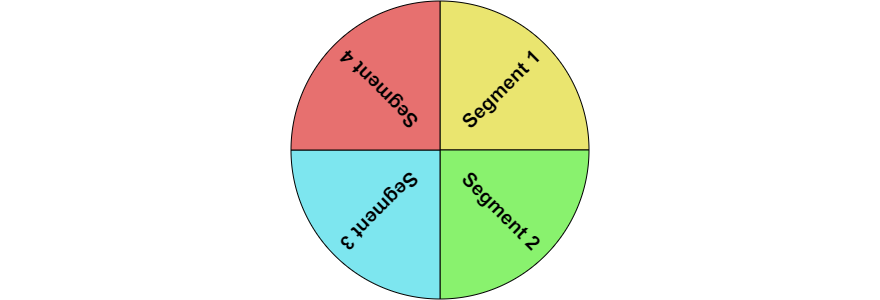
建立不同色彩及文字的轉盤
HTML
 <script>
    var theWheel = new Winwheel({
        'numSegments' : 4,
        'segments'    :
        [
            {'fillStyle' : '#eae56f', 'text' : 'Segment 1'},
            {'fillStyle' : '#89f26e', 'text' : 'Segment 2'},
            {'fillStyle' : '#7de6ef', 'text' : 'Segment 3'},
            {'fillStyle' : '#e7706f', 'text' : 'Segment 4'}
        ]
    });
</script>
輸出的圖形